A Bby Wow Guy green-screen edit moves an existing dancer clip onto another background. The foreground dancer keeps the source performance. To put your own appearance into a newly generated party scene, you need a different workflow, such as photo-based generation.
This page explains the editing route; it does not provide a downloadable cutout, a CapCut project or permission to reuse the original footage. Have your foreground clip and background ready before opening an editor. The studio beside this guide accepts portraits, not green-screen video uploads.
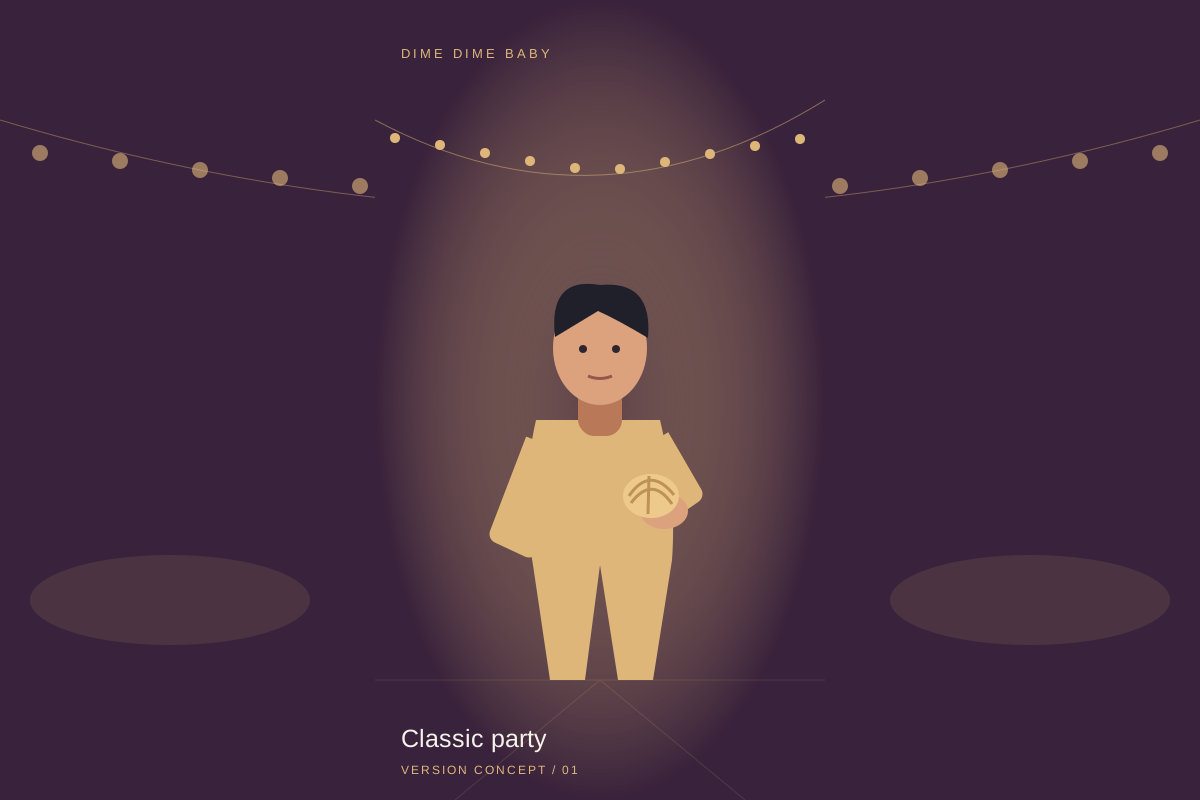 Version illustration
1. Prepare the foreground and background
Decide whether your subject is the existing dancer or you performing the moves. For an overlay, obtain a clip you may edit and publish, plus the background you want behind it. Put the background on the lower track and the subject above it. Set the project’s frame before positioning the subject: a vertical post needs room for the face, bread, hands and exit, not just a flattering still image.
2. Remove the solid background
CapCut documents chroma key for a solid green or blue background, plus automatic and custom removal for other cases. Select the foreground clip and use the removal method that matches its source. Menu names can vary by version.
3. Check the bite, stare and turn in motion
Play the entire edit rather than judging a paused frame. Around the bite, check that the fingers and bread do not disappear into the background. During the stare, look for halos around hair and cheeks. During the turn, watch for flicker at shoulders and arms. Reduce aggressive removal settings if the subject breaks apart. Then check the feet and scale against the new floor; clean edges alone do not make the person look grounded.
When a photo-based version fits better
Choose compositing when you want to keep the existing performance and change its surroundings. Choose a new photo-based interpretation when your priority is a character guided by your portrait. Our studio uses built-in scenes, not an uploaded motion-reference video. Classic party takes one portrait; Friends dancing takes two. The current request is 9 seconds at 480p for 20 purchased credits. It does not produce a transparent dancer layer or guarantee the original choreography.
4. Review the exported file and sound
Match the foreground and background duration, then inspect the exported file rather than relying on the editor preview. Check that the whole exit remains inside the frame and that there is no unwanted blank tail. Listen for overlapping tracks. If you use our generated video instead, it requests instrumental backing and party ambience, without the commercial BbY WOW recording. Choose any additional sound separately in the app where you publish.
Sources and editorial notes
Studio instructions describe the current controls and built-in scripts. External links do not imply an integration, partnership or verified output quality. Read our editorial approach
Add one or two photos, choose a case style, then sign in and generate. 9s · 480p · AI-generated instrumental backing and party ambience · 20 purchased credits per video.
One-time packs: USD $6.90 / 1 video · $29.90 / 5 · $99.90 / 20.