Several CapCut templates share this name. Check the creator and template ID before selecting media. This independent site does not host a CapCut template or have an official partnership with CapCut.
A template arranges your media in its editing workflow. Our studio requests a new photo-based AI interpretation, not a recreation of the original footage. Neither route guarantees the same result or includes music rights by default.
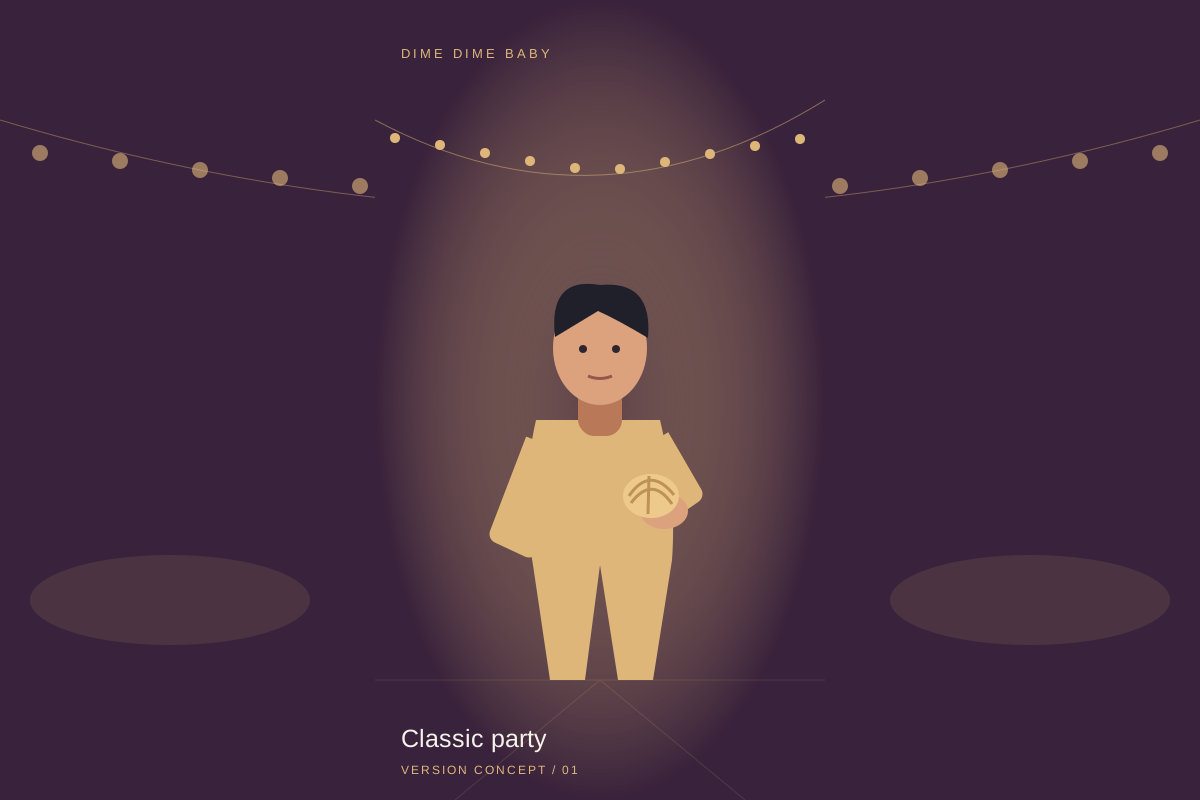 Version illustration
Identify the exact template
The Spanish CapCut page by NiNi9540 has ID 7698048035061861650, page date 2026-10-18 and requires 2 clips. The Gospel template has ID 7699016909882248466, page date 2026-10-21, 1 clip and 9:16 framing. Two clips means two media slots, not two people.
Use the CapCut route
Open one of the source links below, confirm its ID, preview and required clip count, then follow CapCut’s template action if it is available to your account. Supply media for each slot, preview the timing and crops, check sound and export conditions, and export only after reviewing any charge. Exact button labels and app or sign-in requirements can vary; we have not tested the signed-in editor or export.
The public pages do not establish whether each slot accepts a still photo or needs video, its minimum duration, AI requirements, export resolution, watermark, regional access or current price. These remain unknown until checked in CapCut. Prepare only media you have permission to use. No third-party interface screenshots or customer results are claimed here.
Template route or browser AI?
Choose CapCut when you want to fit existing media into that specific template and can satisfy its slots. Its effects, sound and export terms belong to CapCut. This site cannot open its editor inside our studio, host the template or guarantee the original clip’s movements.
Choose the studio below for a new AI interpretation from portraits. Classic party uses one portrait for the solo bread bite; Friends dancing uses two separate portraits for a side-by-side dance. Select 9:16 or 16:9; the current request is 9 seconds at 480p with Seedance 2.5. Photo-based generation can change faces, gestures and timing. Reference-video recreation is not offered.
Sound and cost differ
CapCut’s current template price, any AI credit cost, export charge and included sound rights are unknown from these public pages. Do not assume the template is free or that its sound is cleared for your use. Check the offer and account-specific terms inside CapCut.
Our studio uses 20 purchased site credits per video: USD $6.90 for 1 video, $29.90 for 5 or $99.90 for 20, paid once per pack. It requests AI-generated instrumental backing and party ambience; it does not supply the BbY WOW original recording, vocals or lyrics. Our credits do not pay for CapCut. Review Plans and credits before generating.
Source observations: 2026-10-23
Observed on 2026-10-23: the NiNi9540 page displayed 473.76K uses and 10.39K likes; an earlier observation supplied for the same date was 471.82K and 10.35K. The Gospel page displayed 70 uses and 6 likes. These are changing CapCut counters, not search volume, unique users or paying customers. See the exact source pages below.
Sources and editorial notes
- CapCut · NiNi9540 · 7698048035061861650 · 2026-10-23
- CapCut · Gospel · 7699016909882248466 · 2026-10-23
Studio instructions describe the current controls and built-in scripts. External links do not imply an integration, partnership or verified output quality. Read our editorial approach